

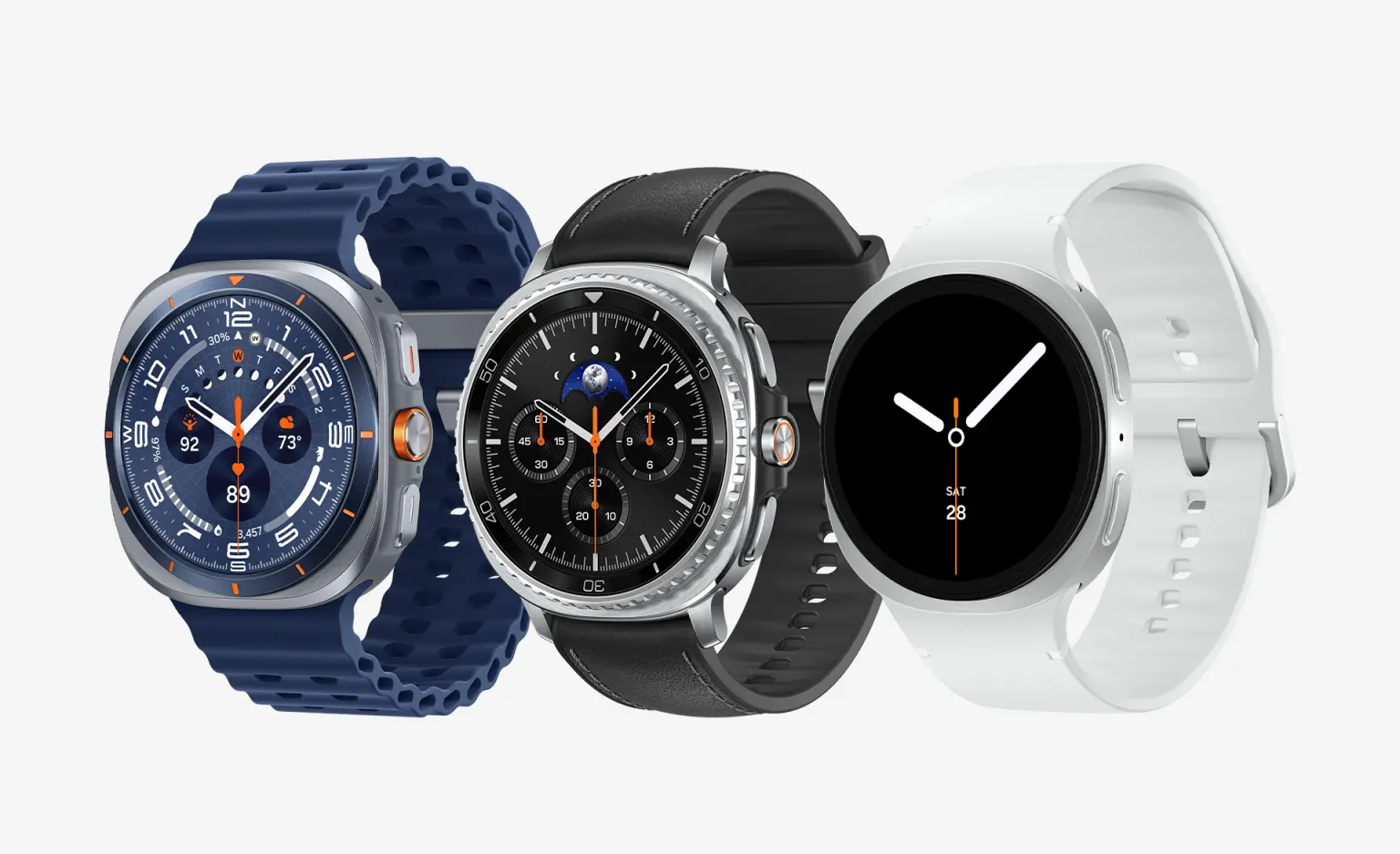
Paying shop bills with a wristwatch felt like a movie scene just days ago. Yet Galaxy Watch plus Samsung Wallet together brought this down into daily habit now. Buying a water bottle after gym or settling grocery bills on your way home, no need to pull a phone or wallet from pockets at all, that watch on your wrist is enough. Samsung recently explained this whole method step by step on its official newsroom, so let's see it made simple.
Knowing what's needed helps at start. A Galaxy Watch, a paired Samsung phone (Android 9.0 or newer), a Samsung account, plus a compatible credit or debit card from a participating bank. Not every card of every bank works yet, so whether your own card sits on that list can be checked right inside Samsung Wallet app.
Now comes setup, a task of mere minutes. First press plus hold that Back button on your watch, Samsung Wallet opens up. Then tap that arrow appearing on screen to begin setup. A screen lock is needed on your watch for security, if absent go into Settings, pick Pattern or PIN. After that remaining work moves by itself onto your paired Samsung phone, right there at least one payment card must be added plus activated. Done, preparation finished.
That payment method is even simpler, merely three steps. Press plus hold that Back button on your watch, cards float up on screen. Holding multiple cards, swipe to pick your favorite. Then hold that watch near a shop's contactless payment terminal, money gets deducted in a blink. Days of digging through bags while standing in lines are over.
Funny part is, Samsung Wallet's power doesn't stop at settling money. After registering through your phone's Wallet app, compatible ID cards, membership cards, airline boarding passes, even transit cards work directly from your watch. Some limits deserve mention though. Digital ID benefits stay limited to select institutions for now, plus in United States, Mobile Driver's License serves only Arizona plus Iowa residents, at select airports' TSA checkpoints. Boarding passes get added through an airline's app or website using its "Add to Samsung Wallet" button.
One timely detail at close. Samsung released this guide at a moment when July 22's Galaxy Unpacked knocks on doors, where new Galaxy Watch 9 plus Watch Ultra 2 are expected. That event streams live on Samsung.com, Samsung Newsroom plus Samsung's YouTube channel, from 9 a.m. EDT. Meaning this is your best time for learning this watch payment magic, before a new watch lands on your wrist.
No comments yet. Be the first to comment.